Class 10 and 12 board exam students in India preparing across several subjects, and the parent or tutor who checks progress with them.
How it works
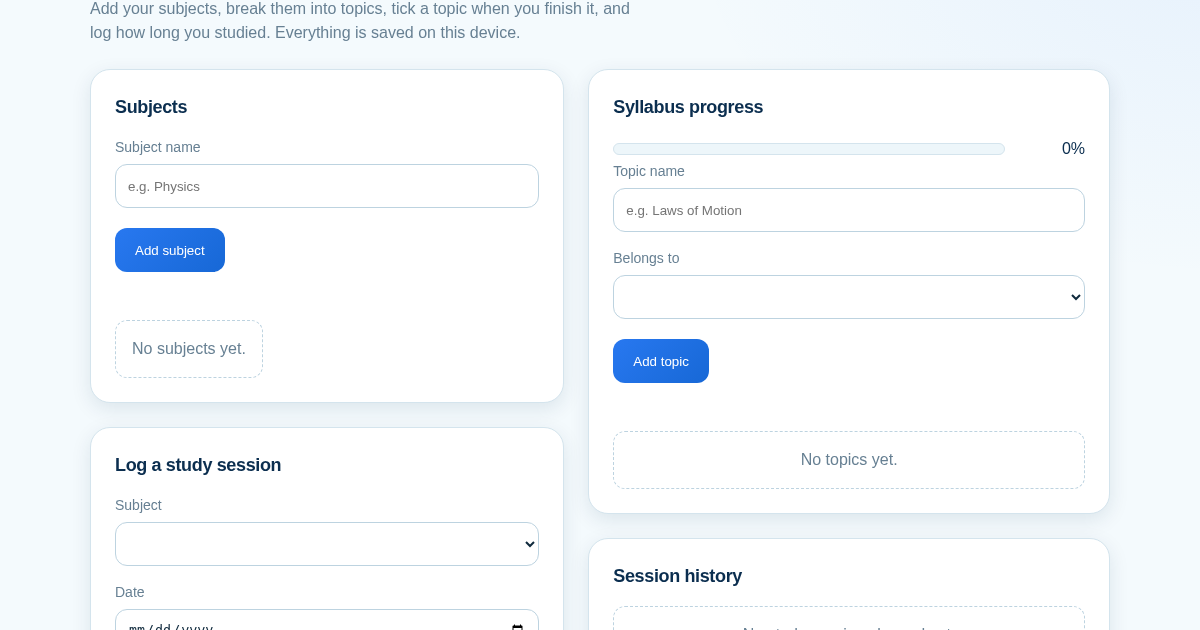
- Add each subject you are preparing.
- Break a subject into topics as you go through the syllabus.
- Tick a topic when you finish it — the completion percentage updates immediately.
- Log each study session with its date and minutes to see where the time actually went.
What you gain
- Tracks how much of your board exam syllabus is actually done, subject by subject, and how many hours you really studied — so revision time goes where the gaps still are.
Screenshot
Technical details
How to set up & use
- Buy the license — your key (lic_...) appears on the order page and in your email.
- Sign in at app.synoriaai.com with your license key.
- No installation — the product runs in your browser, on your own isolated instance.
- Add each subject you are studying for your board exam.
- Break each subject into topics or chapters from your syllabus.
- Mark topics as done as you finish studying them.
- Log each study session with subject, date and time spent.
- Open the dashboard anytime to see progress and total study time for each subject.
Frequently asked questions
Is my study data safe?
All your subjects, topics and study logs are saved on the server and stay available every time you open the app.
Does this app teach me the syllabus or send reminders?
No, it only tracks the topics and study time you enter yourself; it does not provide lessons or push notifications.
Can I use it for any board (CBSE, ICSE, State boards)?
Yes, you can add subjects and topics matching your own board's syllabus manually.
Related products
Planificador de Estudio para la EBAU
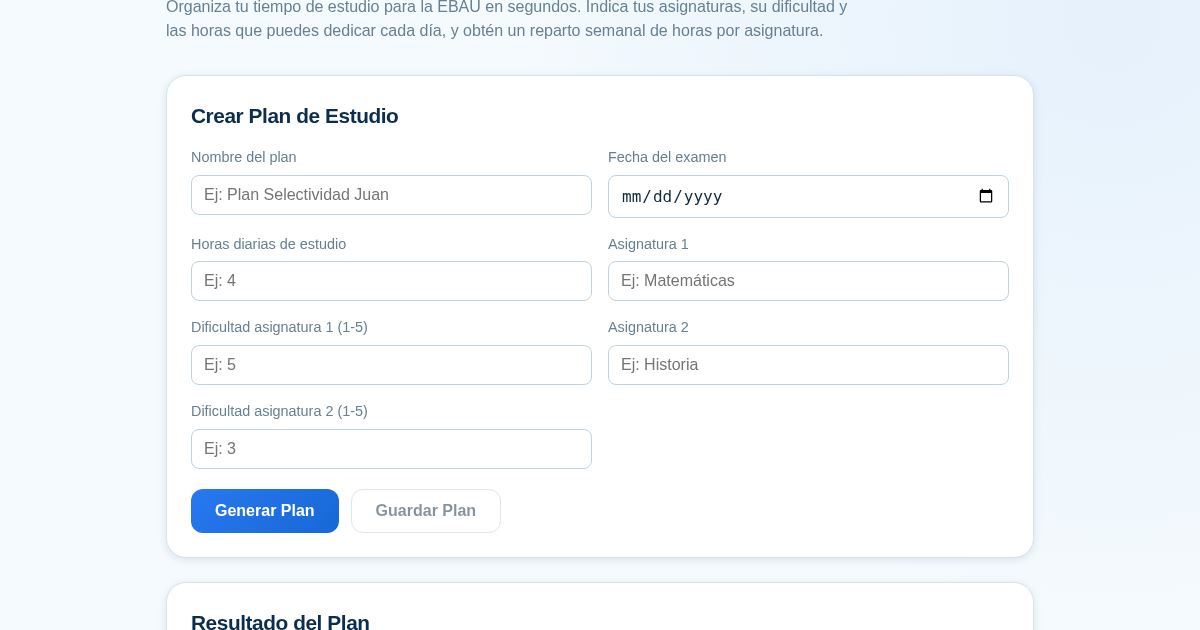
Organiza tu tiempo de estudio para la EBAU en segundos. Indica tus asignaturas, su dificultad y las horas que puedes dedicar cada día, y obtén un reparto semanal de horas por asignatura, guardado para que siempre puedas…
RPP Instan – Generator RPP Kurikulum Merdeka
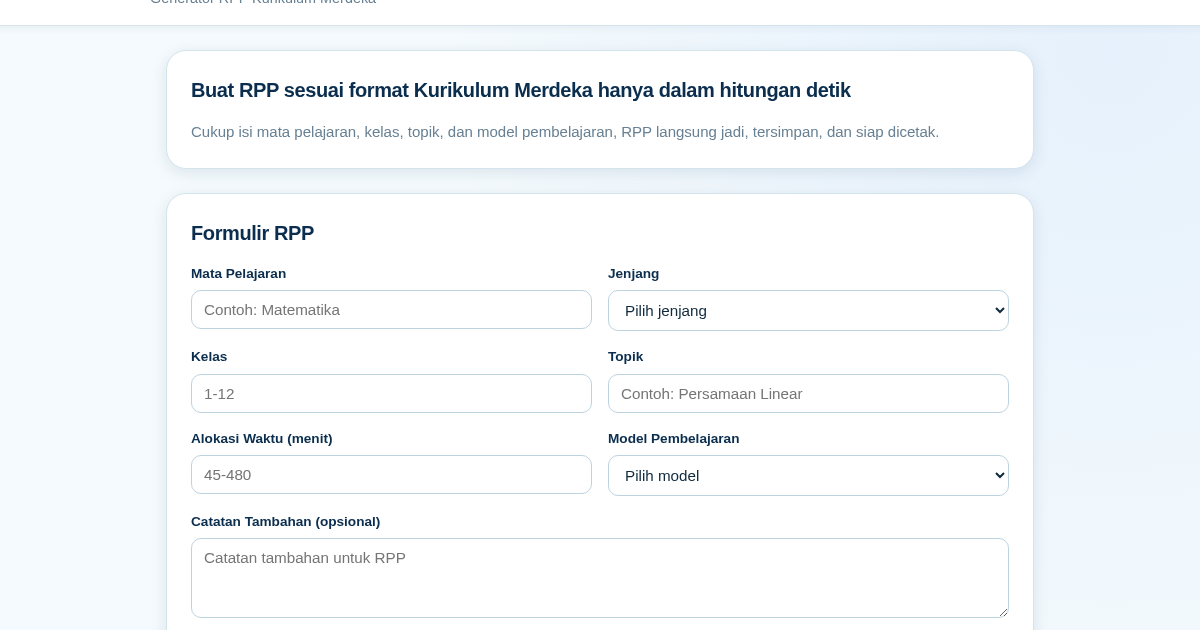
RPP Instan membantu guru di Indonesia membuat Rencana Pelaksanaan Pembelajaran (RPP) sesuai Kurikulum Merdeka dengan cepat. Guru cukup mengisi formulir singkat, dan RPP langsung tersusun otomatis sesuai struktur yang…
GCSE Quiz Generator for Teachers
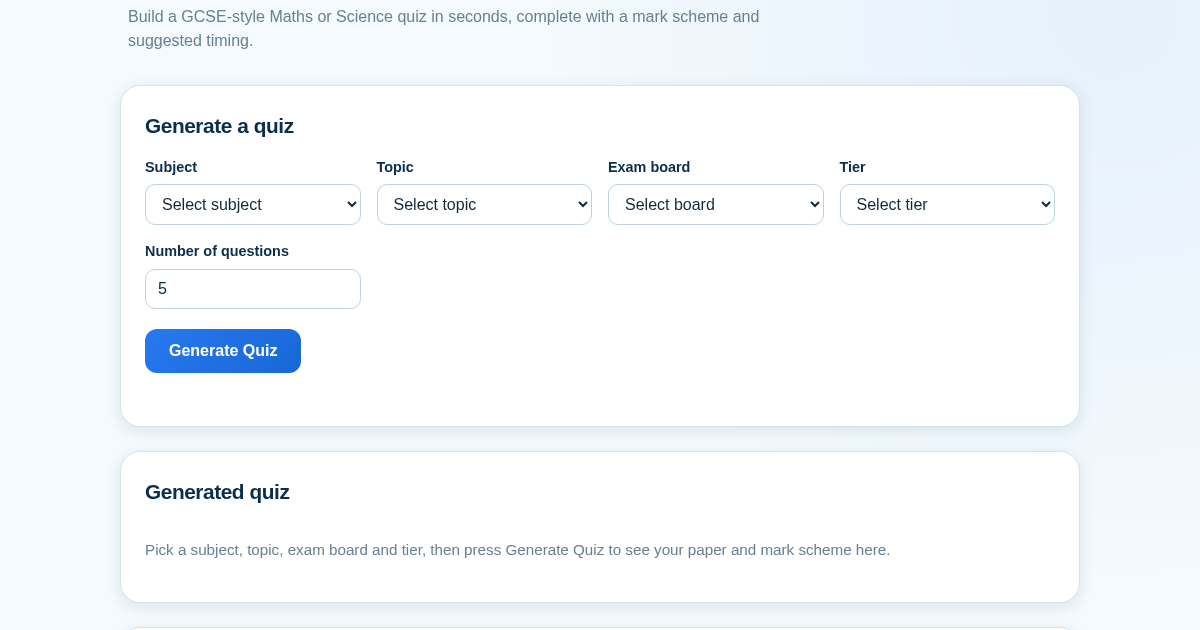
GCSE Quiz Generator helps UK secondary school teachers and private tutors quickly create GCSE-style Maths and Science quiz papers from a built-in question bank. It automatically provides a mark scheme and suggested exam…
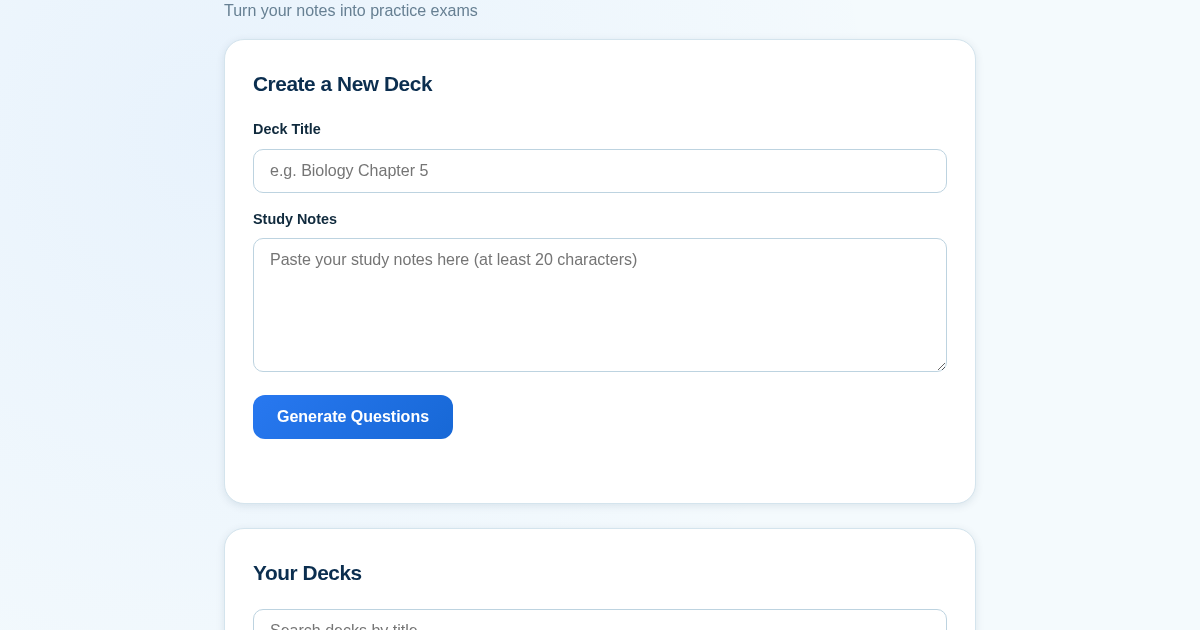
ExamGenius — Turn Your Notes Into Practice Exams
ExamGenius turns pasted study notes into practice quiz questions and schedules reviews using a spaced-repetition algorithm so learners retain material longer. Users paste notes, generate a question deck, self-grade…